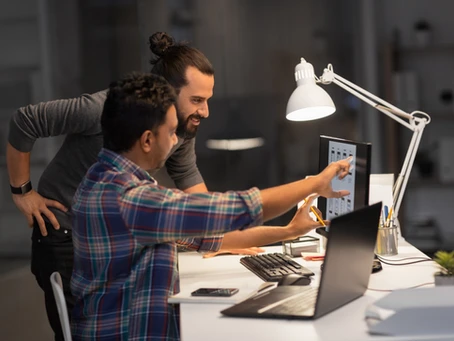
Do you remember years ago when you copied information onto a floppy disk and took it to a colleague’s workstation? Nowadays, it seems crazy to think about this; it is so easy to send an email and that’s it. Well, here we must pay a little attention, because sometimes sending an email to a colleague, waiting for a response, modifying the document, sending it to another colleague, and unifying the versions of the document, is as archaic as taking the floppy disk from one place to another.
Let’s start by defining, what is online collaboration?
It is the use of software and applications in the cloud to perform a common task among several people in the same document or simultaneously. These applications give us the possibility to work in shared spaces on the Internet or the local network with the people we need to perform our work, facilitating our communication with the collaborators of the project or task.
Online collaboration can be done through many cloud platforms such as:
-
Microsoft Word, Excel, PowerPoint
-
Microsoft Teams
-
Microsoft SharePoint
-
Google Hangouts
-
Google Drive
-
Monday
-
Asana
-
Basecamp
-
Process Street
-
Among others
How to get started easily? With just these 7 steps, we can start with a tool that almost everyone knows, like Microsoft Word:
1. We make sure we have OneDrive on our computer
2. We log in to OneDrive, it’s easy, we just have to open it and enter our username and password.
3. We open our Microsoft Word
4. We save the document in the OneDrive folder that we want
5. In the upper right part of the screen, you will find an alternative called “share”, in this we click
6. We add the email addresses of the people with whom we want to collaborate
7. We work on the document!
Here you can see the video: How to share a document
The people to whom you shared the document will have access to it and can edit everything in real time. I forgot to mention that these types of documents are always backed up, therefore, it is one of the safest ways you can find to work.
There are many options to collaborate safely, practically and friendly, considerably increasing our productivity. I recommend using alternatives so that you can avoid rework, loss of information, loss of time unifying versions, the above being as impractical as going back to the floppy disk era.